Best Seller Icon Bestseller

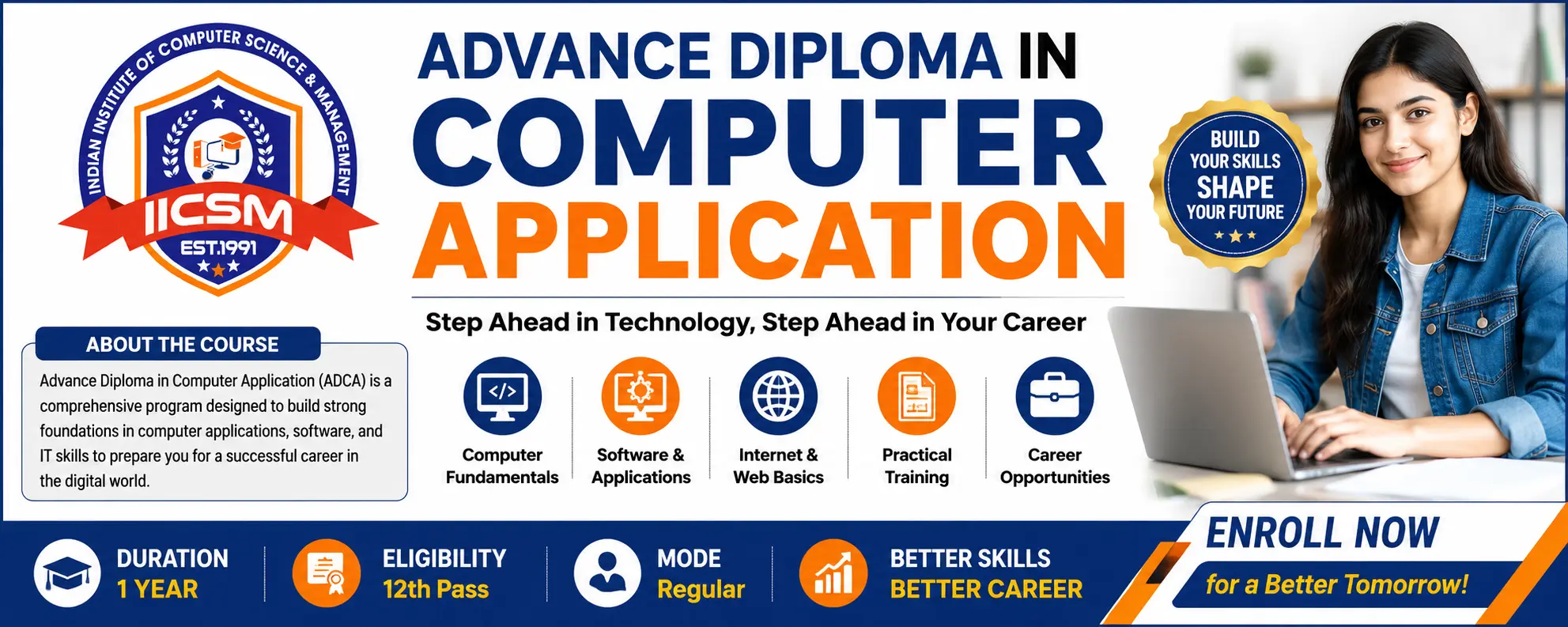
ADVANCE DIPLOMA In COMPUTER APPLICATION (ADCA)(M-CA(-7822)

  • Last updated May, 2026
  • Certified Course
₹11,000 ₹13,500

Course Includes

  • Duration12 Months
  • Enrolled10
  • Lectures215
  • Videos0
  • Notes0
  • CertificateYes

What you'll learn

Course Overview

The Advance Diploma in Computer Application (ADCA) is a comprehensive one-year professional diploma programme designed to develop practical computer knowledge, digital literacy, office productivity, programming, internet technologies, accounting software, and employability skills. The programme is specially structured according to the vision and recommendations of India’s National Education Policy (NEP) 2020, focusing on skill development, vocational education, experiential learning, and industry-oriented training.

The course provides learners with hands-on practical exposure in:

  • Computer fundamentals
  • Office automation
  • Internet & digital communication
  • Programming concepts
  • Database management
  • Graphic designing
  • Accounting software
  • Web technologies
  • Employability and entrepreneurship skills

NEP 2020 emphasizes vocational integration, digital learning, practical exposure, internships, and industry-relevant skills to prepare students for the modern workforce.


Course Details


Course Name : Advance Diploma in Computer Application

Short Name : ADCA

Duration : 1 Year

Eligibility : 12th Pass or Equivalent

Learning Mode : Theory + Practical + Project

Medium : Hindi / English

Assessment : Internal + Practical + Viva + Project

Certification : Diploma Certificate from IICSM

Course Objectives

The programme aims to:

  1. Develop professional computer application skills.
  2. Provide practical knowledge of office automation and IT tools.
  3. Build digital literacy and internet proficiency.
  4. Introduce programming and database concepts.
  5. Train students in accounting and business software.
  6. Enhance employability, communication, and entrepreneurship skills.
  7. Promote project-based and experiential learning aligned with NEP 2020.

Key Features of NEP 2020 Integration

The programme incorporates major recommendations of NEP 2020:

  • Skill-based vocational education
  • Practical and experiential learning
  • Technology-enabled education
  • Digital literacy and employability focus
  • Project-based learning
  • Industry-oriented curriculum
  • Internship and hands-on training
  • Entrepreneurship and innovation skills
  • Flexible and multidisciplinary learning

NEP 2020 strongly recommends integrating vocational education with mainstream education and promoting practical digital skills for employability.


Career Opportunities

After successful completion of ADCA, students may work as:

  • Computer Operator
  • Data Entry Operator
  • Office Assistant
  • Computer Teacher
  • DTP Operator
  • Web Assistant
  • Digital Documentation Executive
  • Tally Operator
  • Front Office Executive
  • IT Support Assistant
  • E-Governance Operator
  • Freelance Computer Professional

Students may also pursue:

  • Programming Courses
  • Graphic Designing
  • Web Development
  • Digital Marketing
  • Advanced IT Certifications
  • BCA / Higher IT Education


Show More

Course Syllabus

Detailed Syllabus

Semester – I

Module 1: Fundamentals of Computer

  • Introduction to Computers
  • Types & Generations of Computers
  • Hardware & Software
  • Input & Output Devices
  • Memory & Storage Devices
  • Operating Systems
  • Computer Security & Virus Protection
  • File Management

Practical

  • File & Folder Operations
  • System Settings
  • Software Installation
  • Peripheral Handling

Module 2: Operating System & Internet Applications

  • Windows Operating System
  • Control Panel & Settings
  • Internet Basics
  • Web Browsing
  • Search Engines
  • Email Management
  • Online Communication
  • Cloud Storage
  • Cyber Security Basics

Practical

  • Internet Searching
  • Email Creation & Usage
  • Online Forms
  • Google Drive & Cloud Sharing

Module 3: MS Office Automation

MS Word

  • Document Formatting
  • Tables & Charts
  • Mail Merge
  • Templates
  • Resume & Official Documents

MS Excel

  • Spreadsheet Management
  • Formula & Functions
  • Charts & Data Analysis
  • Payroll & Billing

MS PowerPoint

  • Presentation Designing
  • Animations & Multimedia
  • Professional Presentations

Practical

  • Office Documentation
  • Reports & Letters
  • Invoice Preparation
  • Presentation Creation

Module 4: Communication Skills & Personality Development

  • Spoken English Basics
  • Workplace Communication
  • Personality Development
  • Interview Techniques
  • Teamwork & Leadership
  • Professional Ethics

Activities

  • Presentation Practice
  • Mock Interview
  • Group Discussion

Module 5: Programming Concepts & C Language

  • Introduction to Programming
  • Algorithms & Flowcharts
  • Basics of C Language
  • Variables & Data Types
  • Operators
  • Conditional Statements
  • Loops
  • Arrays & Functions

Practical

  • Basic C Programs
  • Arithmetic Applications
  • Pattern Programs

Module 6: Database Management System (DBMS)

  • Introduction to Database
  • DBMS Concepts
  • Tables & Records
  • SQL Basics
  • Queries & Reports
  • Data Management

Practical

  • Table Creation
  • Database Queries
  • Record Management


Semester – II

Module 7: Desktop Publishing & Graphic Designing

  • CorelDRAW Basics
  • Adobe Photoshop Basics
  • Designing Principles
  • Banner & Poster Designing
  • Visiting Card & Brochure Designing

Practical

  • ID Card Design
  • Flex Banner
  • Brochure & Certificate
  • Social Media Graphics

Module 8: Tally & Accounting Software

  • Fundamentals of Accounting
  • Tally Prime Introduction
  • Company Creation
  • Ledger & Voucher Entry
  • GST Basics
  • Inventory Management
  • Payroll Basics

Practical

  • Voucher Entry
  • GST Billing
  • Inventory Records
  • Financial Reports

Module 9: Web Designing Fundamentals

  • HTML Basics
  • Web Page Structure
  • CSS Introduction
  • Hyperlinks & Images
  • Forms & Tables
  • Basic Website Designing

Practical

  • Personal Web Page
  • Business Website Layout
  • Form Designing

Module 10: Digital Office & E-Governance

  • Digital Documentation
  • E-Office Systems
  • PDF Tools
  • Online Government Services
  • Digital Payments
  • Google Workspace

Practical

  • Digital Forms
  • PDF Conversion
  • Online Applications
  • Shared Documents

Module 11: Employability & Entrepreneurship Skills

  • Career Planning
  • Resume Building
  • Freelancing Basics
  • Entrepreneurship Concepts
  • Startup Awareness
  • Digital Work Opportunities

Activities

  • Business Idea Presentation
  • Portfolio Preparation
  • Freelance Project Work

Module 12: Project Work & Internship

  • Live Computer Project
  • Office Automation Project
  • Database Project
  • Graphic Designing Project
  • Web Designing Project

Project Examples

  • School Management System
  • Digital Office Project
  • Website Creation
  • Billing Software Project

Teaching Methodology

The programme follows modern teaching-learning practices:

  • Smart Classroom Learning
  • Practical Lab Sessions
  • Hands-on Training
  • Project-Based Learning
  • Digital Learning Tools
  • Assignments & Workshops
  • Internship Exposure

NEP 2020 promotes experiential, skill-based, and technology-enabled learning approaches for modern vocational education.


Assessment Pattern


Theory Examination : 30%

Practical Examination : 40%

Project Work : 20%

Viva & Attendance : 10%

Learning Outcomes

After completing ADCA, learners will be able to:

  • Operate modern computer systems efficiently.
  • Create professional digital documents and presentations.
  • Use internet and digital communication tools effectively.
  • Develop basic programming applications.
  • Manage databases and office records.
  • Design graphics and publishing materials.
  • Perform accounting and billing operations using Tally.
  • Create simple websites and digital content.
  • Work confidently in office and digital environments.

Suggested Software & Tools

  • MS Office / LibreOffice
  • Tally Prime
  • CorelDRAW
  • Adobe Photoshop
  • Visual Studio Code
  • HTML/CSS Tools
  • Google Workspace
  • PDF Utilities

Internship & Practical Exposure

Students will receive:

  • Computer Lab Practice
  • Live Assignments
  • Office Automation Projects
  • Digital Documentation Work
  • Industry-Oriented Training

Conclusion

The Advance Diploma in Computer Application (ADCA) offered by IICSM is a modern skill-oriented diploma programme designed according to the principles of NEP 2020. The programme combines computer applications, digital technologies, practical training, communication skills, and employability competencies to prepare learners for higher education, employment, freelancing, and entrepreneurship in the digital era.

Course Fees

Course Fees
:
₹13500/-
Discounted Fees
:
₹ 11000/-
Course Duration
:
12 Months

Review

0.0
Course Rating (0 reviews)
0%
0%
0%
0%
0%


Call
Text Message
Review
Email
CHAT